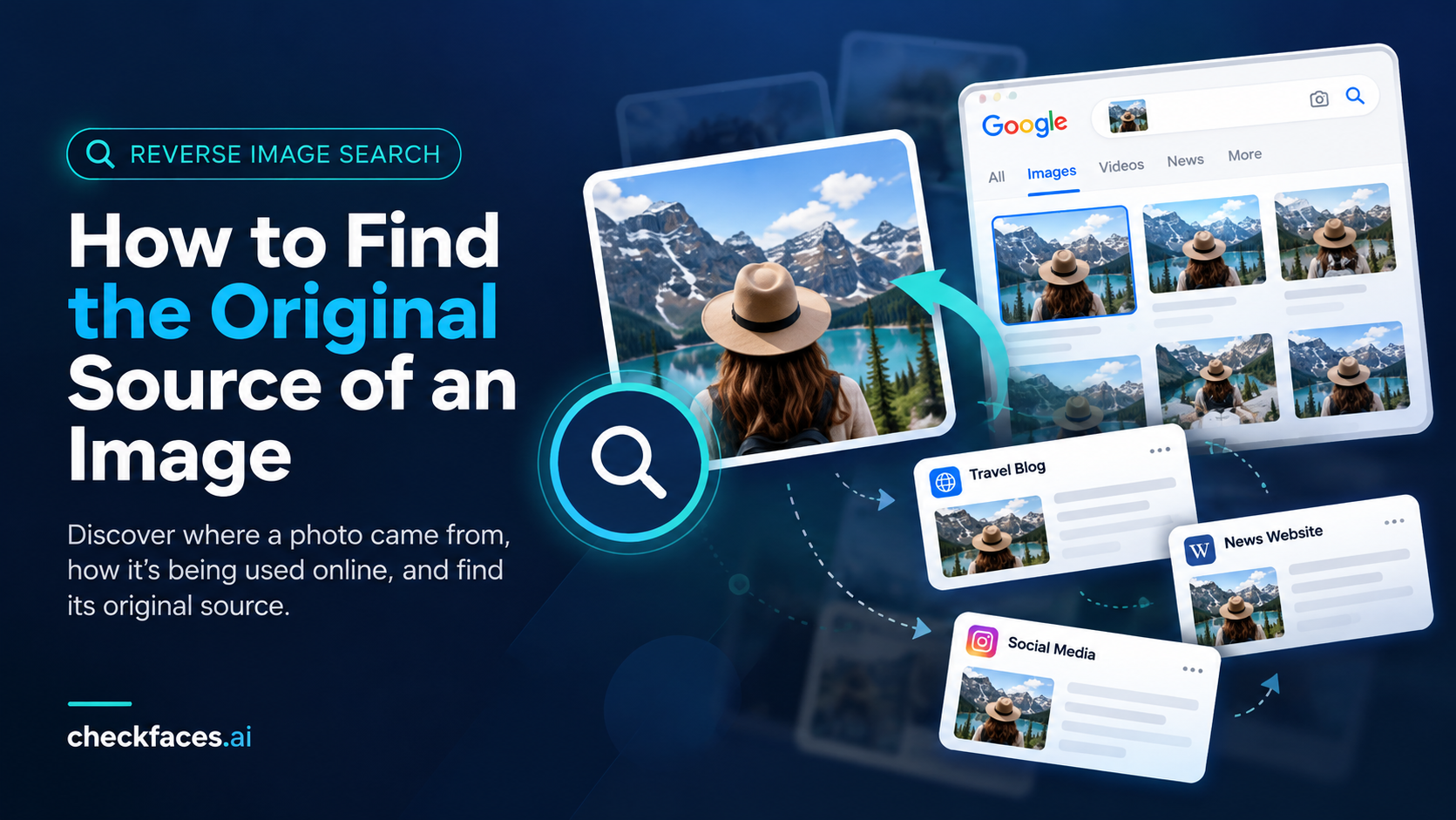
You have a picture and no idea where it came from. Maybe it's a striking photo in a news story, a product shot on a shopping site, or an image someone sent you with no context. Finding the original source is usually possible, and it takes about two minutes once you know which tools to try and in what order.
This guide walks through the process step by step, explains why the first result is often not the original, and shows what to do when the usual tools come back empty.
What "original source" actually means
An image can be "the original" in three different ways, and it helps to know which one you want:
- The first publication: the earliest page where the image appeared online.
- The creator: the photographer, artist or agency that made it.
- The highest-quality version: the full-size file, before it was cropped, compressed or screenshotted.
These often lead to different places. A photo might be taken by a freelance photographer, published first by a local newspaper, and then copied onto thousands of blogs. A reverse image search will mostly show you the copies. Your job is to work back through them.
Step 1: Start with a clean copy of the image
Use the best version you have. If the image is inside a screenshot, crop it so only the picture remains, with no browser frame, captions or app buttons. Extra clutter is a common reason searches fail. If you have the original file rather than a screenshot, use that.
Step 2: Run a reverse image search
A reverse image search takes a picture as the search query and returns pages that contain the same or a very similar image. Run the same image through more than one engine, because each one indexes different parts of the web.
- Upload it to a reverse image search tool. Our own reverse image search lets you upload a photo and see matching pages. Uploaded images are deleted within 24 hours.
- Compare with a second engine. Google Lens and TinEye index the web differently, and TinEye can sort results by oldest first, which helps you find the earliest appearance.
- Try one more if needed. Bing Visual Search and Yandex Images index some sites differently, so they can show results the others miss.
Step 3: Sort and read the results carefully
Don't stop at the first match. Look for the following:
- The oldest date. If a tool can sort by date, use it. The oldest indexed page is a strong clue to the first publication, though not proof.
- The largest version. Higher-resolution copies are usually closer to the source.
- Credits and captions. News sites and stock libraries usually name the photographer or agency. A watermark is a strong lead too.
- Professional sources. A news agency, stock library, museum or the photographer's own portfolio is more likely to be the source than an anonymous repost.
Step 4: Check the image itself for clues
If search results are thin, the image may tell you more than the web does.
- Metadata (EXIF). Original files from a camera or phone can contain the camera model, the date taken and sometimes the location. Most social networks and messaging apps remove this data when an image is uploaded, so don't expect it on a downloaded copy.
- Visible details. Signs, street names, uniforms, license plates, text on screens and landmarks can all narrow down where and when a photo was taken.
- Signs of editing. Odd lighting, repeated textures or blurred edges around objects can suggest an image was altered. This is only a hint, not a verdict.
Step 5: Look for the same image at other points in time
If the page that held the image has since changed, the Internet Archive's Wayback Machine may have saved an earlier version of it. Searching the filename or the surrounding caption text in quotation marks can also turn up posts that the image search missed.
Why a reverse image search sometimes finds nothing
- The image is new. Search engines only know what they have indexed. A photo posted yesterday may not be searchable yet.
- It lives in a private place. Pictures in private accounts, closed groups and messaging apps are not indexed.
- It was heavily edited. Strong crops, filters, mirroring or text overlays can hide a match. Try a cleaner crop, or flip a mirrored image back.
- It's too small or too blurry. A low-quality copy gives the engine little to match.
- It's AI-generated. An image made by a generator has no earlier source to find. If every search returns nothing, and the picture looks slightly too perfect, consider that possibility.
Reverse image search versus face search
The steps above work for any image: a landscape, a product, a meme or a news photo. If your picture shows a person and your question is who they might be or where else their photo appears, a face search compares the face itself rather than the whole picture. The two tools answer different questions, so it is worth knowing which one fits.
A short checklist
- Crop the image so only the picture remains.
- Search it in at least three engines.
- Sort by date and open the oldest results.
- Look for credits, watermarks and the largest version.
- Check metadata and visible clues in the photo.
- Check the Wayback Machine for older copies of the page.
- Treat the result as evidence, not proof, and cross-check it with a second source.
Ready to trace an image?
Upload it to our reverse image search to see where it appears online. If your picture shows a person, you can also try our face search.
Frequently asked questions
Is reverse image search free?
Most reverse image search engines offer free searches. Limits and extra features vary by tool.
Does it always find the original?
No. It finds pages that contain the same or a similar image. The earliest one it shows may not be the true first publication, so cross-check before you rely on it.
Can I do this on my phone?
Yes. You can upload a photo from your gallery to any of the tools above in your phone's browser, or use Google Lens in the Google app.
Does the person who owns the image find out I searched?
No. A reverse image search does not notify the image owner or the sites that show it.
Can I reuse an image I find?
Finding an image does not give you the right to use it. Check the license or ask the creator, especially for commercial use.